PLAN WITH CONFIDENCE
PLAN WITH CONFIDENCE
Turn insight into a resilient IT decision.
Turn insight into a resilient IT decision.
Our team can help you translate the considerations in this article into a practical technology roadmap.
Our team can help you translate the considerations in this article into a practical technology roadmap.
Cybersecurity
Beyond basic: Why Microsoft 365 needs a comprehensive backup solution
IIS / ITWeb
AT A GLANCE
Backing up Office 365 with a comprehensive backup solution provides an additional layer of security, flexibility and compliance, says Mauritz du Toit, CEO of InfoTech.
Backing up Office 365 with a comprehensive backup solution provides an additional layer of security, flexibility and compliance, says Mauritz du Toit, CEO of InfoTech.
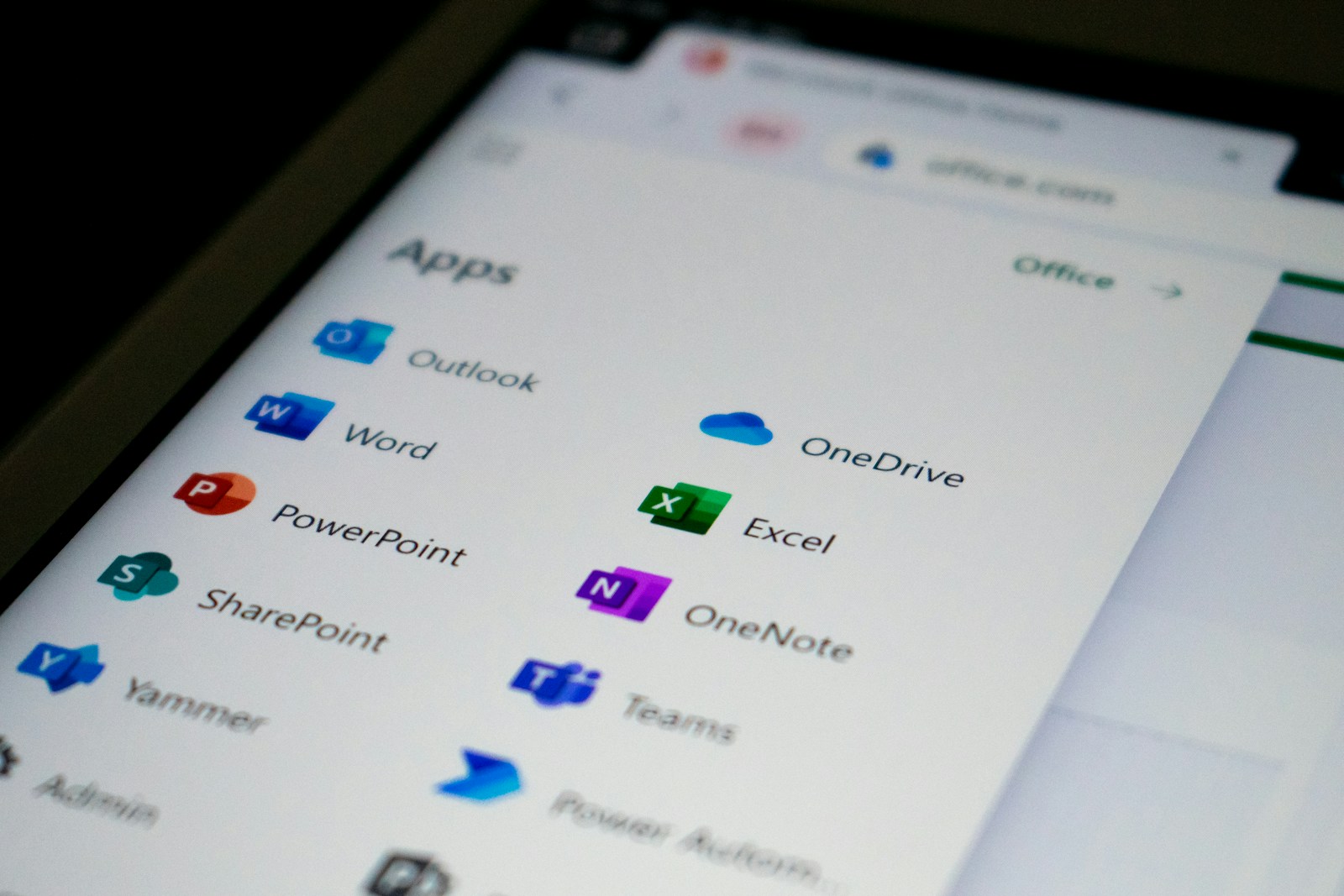
Most Microsoft 365 users believe the backup associated with the productivity suite is sufficient for their needs; however, they could be putting their data at risk unless they invest in additional, comprehensive backup solutions.
This is according to Mauritz du Toit, CEO of multidisciplinary technology company InfoTech, who says: “Around 90% of customers with Microsoft 365 think additional backups are not needed. However, it’s important to understand that Microsoft 365 is not intended to be a comprehensive backup solution. It is designed for short-term recovery and basic data retention. It doesn’t protect against scenarios like accidental or malicious data loss over a long period.”
“While Microsoft 365 has some retention policies, they may not be sufficient to prevent loss due to human error or other issues. Files may become corrupted over time, or users or admins may overwrite or delete emails, documents or files. Backing up Office 365 with a comprehensive backup solution provides an additional layer of security, flexibility and compliance to ensure the safety of the organisation’s data.”
Du Toit notes that Microsoft 365 does not include features like granular restoration. “While versioning and the Recycle Bin offer recovery options, more complex or granular recovery such as restoring a whole mailbox or data at a specific point in time requires third-party solutions,” he says.
Importantly, having an immutable backup ensures that data can be restored if it is affected by ransomware and malware, he says.
A comprehensive backup solution fully protects an organisation’s data, ensuring that it can be restored in case of data loss, cloud outage, server failure or other disaster. Basic or built-in backup solutions like those in Microsoft 365 may only protect certain aspects of data or offer limited recovery options. In contrast, a comprehensive backup solution covers all critical data types and allows for recovery in various disaster scenarios. It typically includes the ability to restore entire systems, individual files and specific application data, Du Toit says.
Du Toit adds that Microsoft retention periods for deleted data and recycle bins may not be adequate for compliance with certain data retention regulations. “Backing up data ensures that it’s available even after these default retention periods expire,” he says.
InfoTech Backup as a Service offers fast, secure and automated backup and discovery across cloud, virtual and physical environments. With full or item-level recovery of operating systems, applications, databases, VMs, files, folders and objects, InfoTech BaaS offers malware-free backups using automatic scans with trusted malware protection.
Most Microsoft 365 users believe the backup associated with the productivity suite is sufficient for their needs; however, they could be putting their data at risk unless they invest in additional, comprehensive backup solutions.
This is according to Mauritz du Toit, CEO of multidisciplinary technology company InfoTech, who says: “Around 90% of customers with Microsoft 365 think additional backups are not needed. However, it’s important to understand that Microsoft 365 is not intended to be a comprehensive backup solution. It is designed for short-term recovery and basic data retention. It doesn’t protect against scenarios like accidental or malicious data loss over a long period.”
“While Microsoft 365 has some retention policies, they may not be sufficient to prevent loss due to human error or other issues. Files may become corrupted over time, or users or admins may overwrite or delete emails, documents or files. Backing up Office 365 with a comprehensive backup solution provides an additional layer of security, flexibility and compliance to ensure the safety of the organisation’s data.”
Du Toit notes that Microsoft 365 does not include features like granular restoration. “While versioning and the Recycle Bin offer recovery options, more complex or granular recovery such as restoring a whole mailbox or data at a specific point in time requires third-party solutions,” he says.
Importantly, having an immutable backup ensures that data can be restored if it is affected by ransomware and malware, he says.
A comprehensive backup solution fully protects an organisation’s data, ensuring that it can be restored in case of data loss, cloud outage, server failure or other disaster. Basic or built-in backup solutions like those in Microsoft 365 may only protect certain aspects of data or offer limited recovery options. In contrast, a comprehensive backup solution covers all critical data types and allows for recovery in various disaster scenarios. It typically includes the ability to restore entire systems, individual files and specific application data, Du Toit says.
Du Toit adds that Microsoft retention periods for deleted data and recycle bins may not be adequate for compliance with certain data retention regulations. “Backing up data ensures that it’s available even after these default retention periods expire,” he says.
InfoTech Backup as a Service offers fast, secure and automated backup and discovery across cloud, virtual and physical environments. With full or item-level recovery of operating systems, applications, databases, VMs, files, folders and objects, InfoTech BaaS offers malware-free backups using automatic scans with trusted malware protection.